

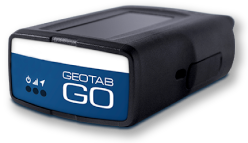

Revolutionizing Fleet Maintenance: Discover Geotab’s Powerful New Work Order Feature
A Game-Changing Update for Smarter, Faster, and Connected Fleet Service Management
Fleet maintenance just got a serious upgrade. Geotab has officially launched a powerful new Work Order Management system inside the MyGeotab platform, designed to bring clarity, automation, and efficiency to your maintenance workflow. This major update—unveiled at Geotab Connect 2025—offers everything from centralized tracking of service tasks to real-time technician updates and better communication across your team.
To help you hit the ground running, we’ve included a full 30-minute YouTube tutorial below that walks you through the new features, user interface, and workflow. Whether you’re a fleet manager, technician, or administrator, this guide will help you unlock the full power of Geotab’s Maintenance Center.
Work Order Overview
Key functions at a glance
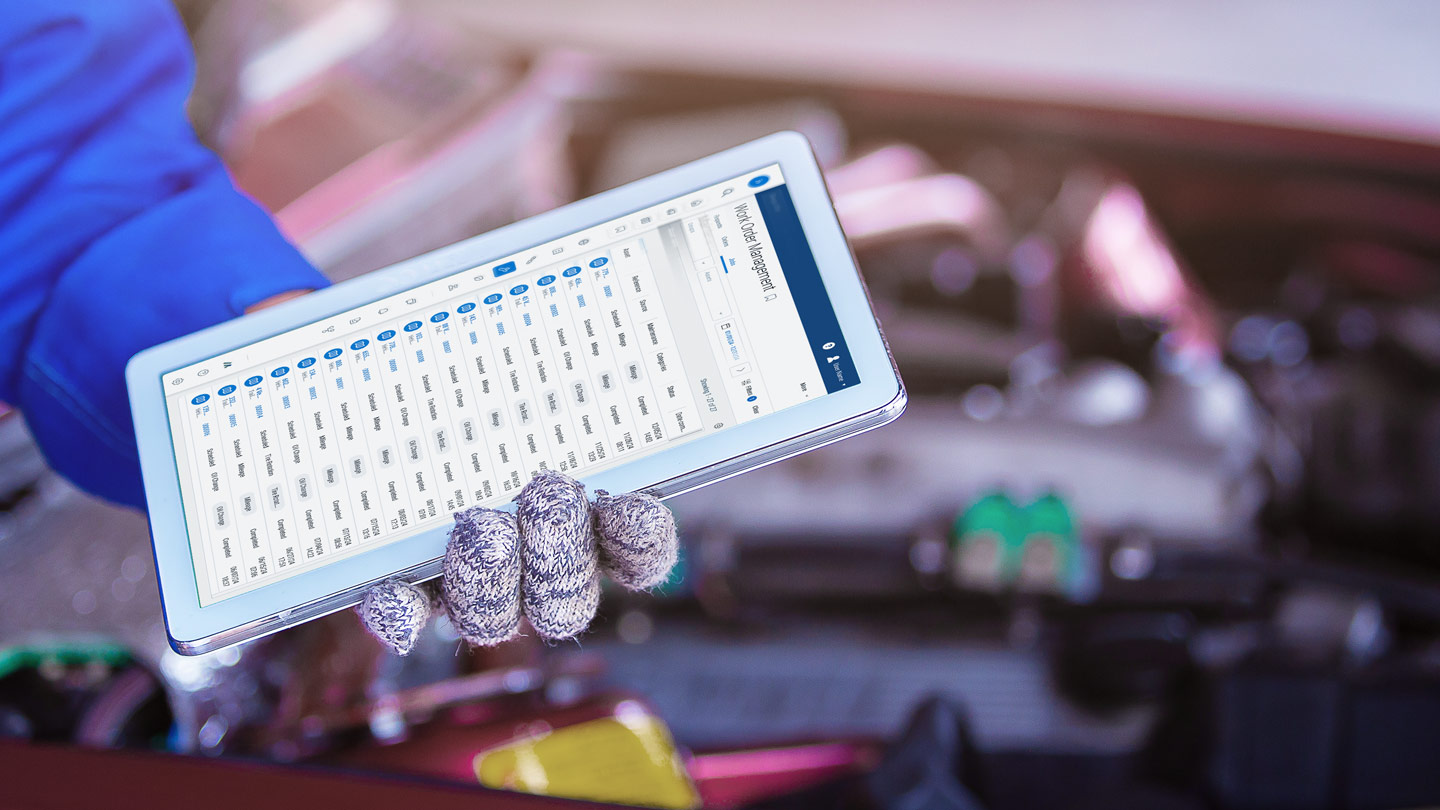
The new Work Order Management tool empowers fleet teams to handle vehicle service more efficiently—start to finish. Built directly into Geotab’s enhanced Maintenance Center, it centralizes everything: open tasks, technician assignments, parts usage, labor tracking, and service notes. This all-in-one view simplifies communication and ensures nothing slips through the cracks, improving uptime and reducing admin overhead.
Simple Workflow
Track, assign, and complete
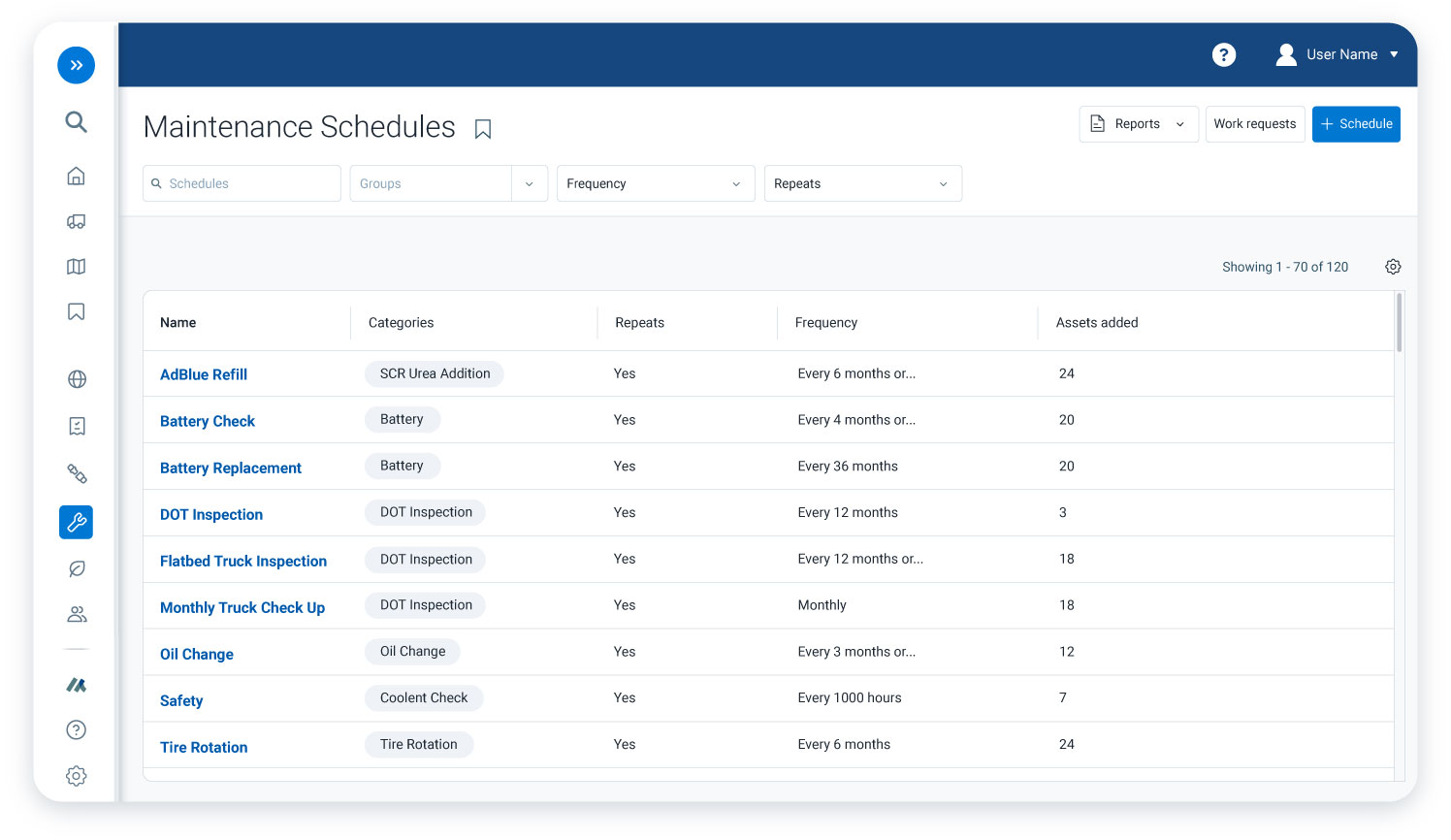
Managing service tasks is now seamless. With just a few clicks, you can create a work order, assign it to a technician, and track its progress in real time. Each order can include specific maintenance items, parts used, labor time, and custom notes—all tied to your existing vehicle records in MyGeotab. The interface is intuitive and built to speed up service resolution without losing detail or control.
Real Fleet Impact
More uptime, less guesswork
This isn’t just a cosmetic upgrade—it’s a smarter way to run your fleet. With Geotab’s Work Order Management, you reduce downtime by catching service needs early, improve accountability with technician tracking, and eliminate guesswork through centralized records. The result? Fewer delays, faster turnarounds, and complete visibility into every stage of vehicle maintenance. It’s not just about fixing vehicles—it’s about running a tighter operation.

Complete Guide
Official support + deep dive
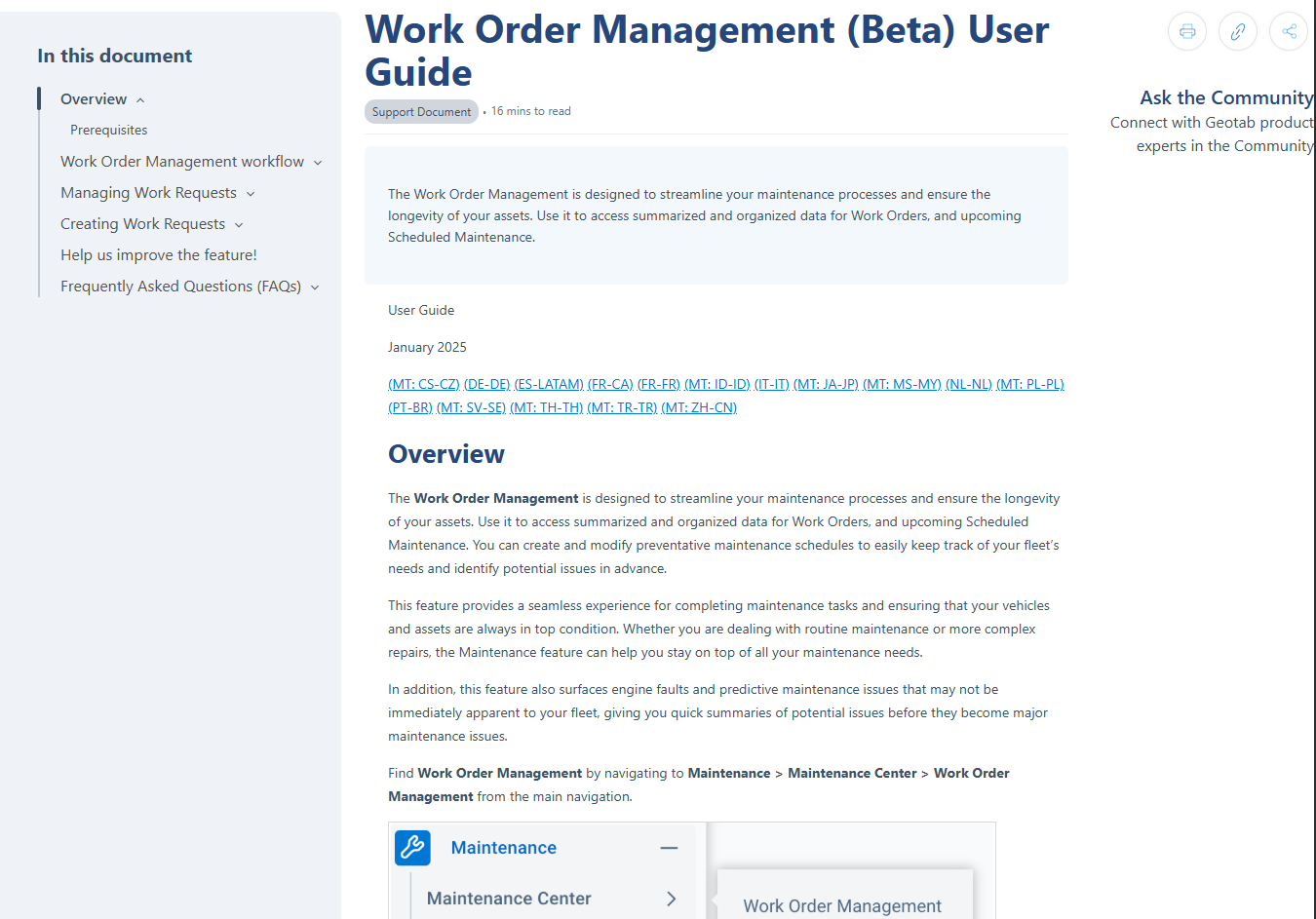
Want to explore every detail of the new Work Order system? Geotab’s official documentation provides a step-by-step walkthrough—from setting up your first work order to customizing service types and reviewing completion history. Whether you’re an admin setting it up or a technician using it daily, this guide has you covered. Read the full guide on Geotab Support.
Need help implementing it or tailoring it for your fleet? Please contact us today to learn more!

Check Pricing
All of our GPS tracking solutions are customized for your business and tailored to your budget...

Return on Investment
At GPS Tracking Canada, we understand that every company benefits from GPS Tracking in different ways...

Request a Demo
Get a live one-on-one demonstration from GPS Tracking Canada. See for yourself how customized...
For more information, or to schedule a demo or an installation,
call us toll free at 1.877.477.0987