

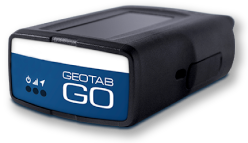

ELD Compliance Software — Simplified HOS Tracking & Reporting
Managing ELD compliance software shouldn’t slow your team down. Geotab’s ELD compliance software automates Hours of Service tracking, driver log management, and roadside inspection reporting — all from one intuitive platform. Whether you’re running domestic routes or crossing the U.S.–Canada border, stay audit-ready and meet federal and provincial regulations without the administrative burden.
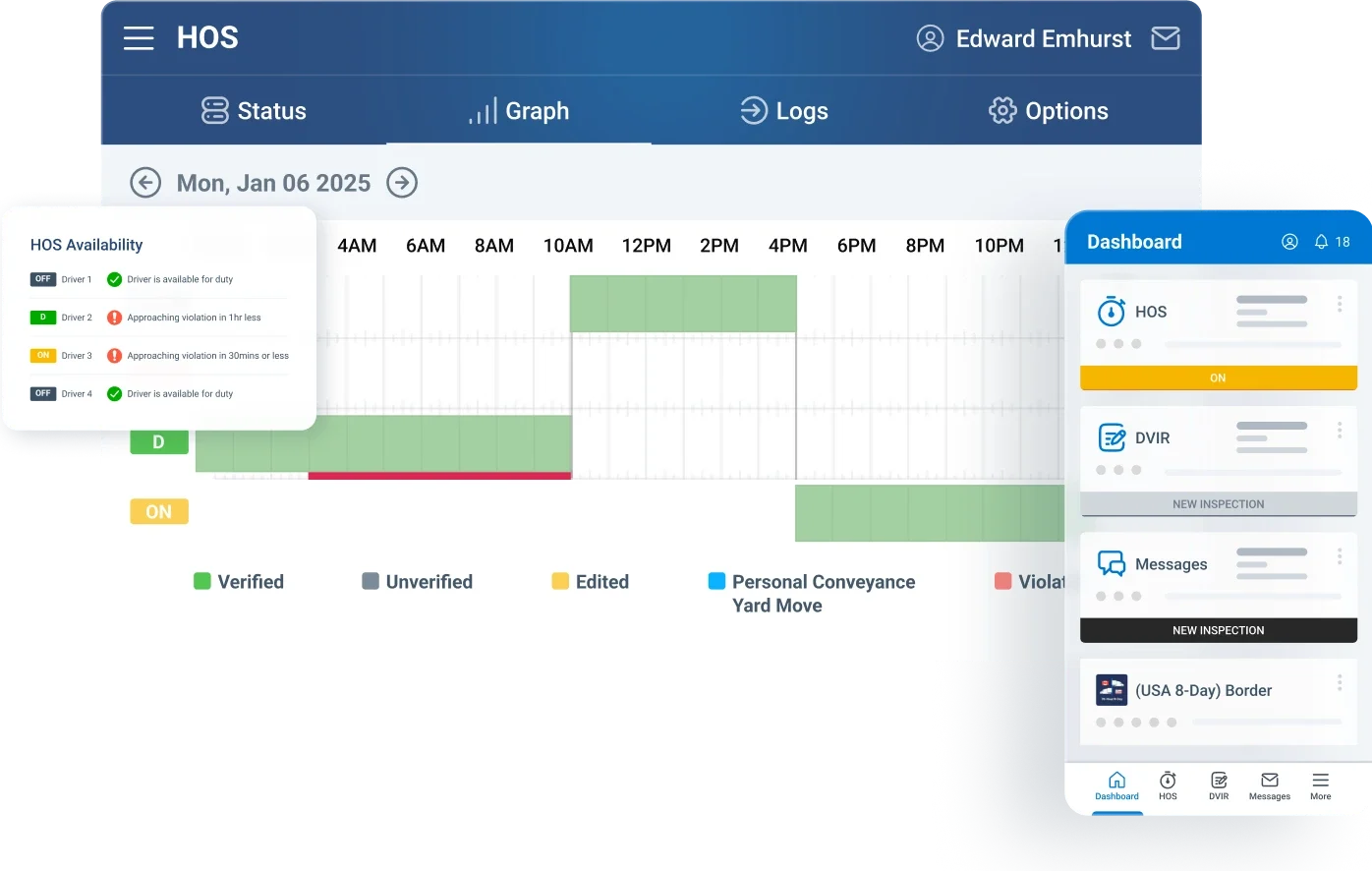
Simplify ELD Compliance
Effortless compliance and reporting
Stay on top of electronic logging requirements with an intuitive system designed to simplify compliance. Monitor driver activity, maintain accurate records, and ensure your fleet meets regulatory standards without added complexity.

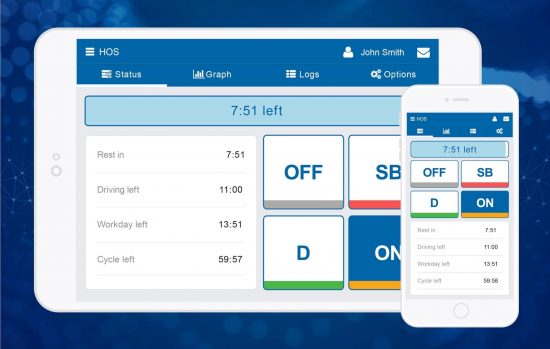
Accurate HOS Tracking
Automated hours and status updates
Accurate HOS tracking is a core part of any reliable ELD compliance software. Automatically capture driving time and rest periods to maintain precise Hours of Service records. Keep real-time visibility into driver status while supporting a wide range of rulesets and exemptions across both the U.S. and Canada.
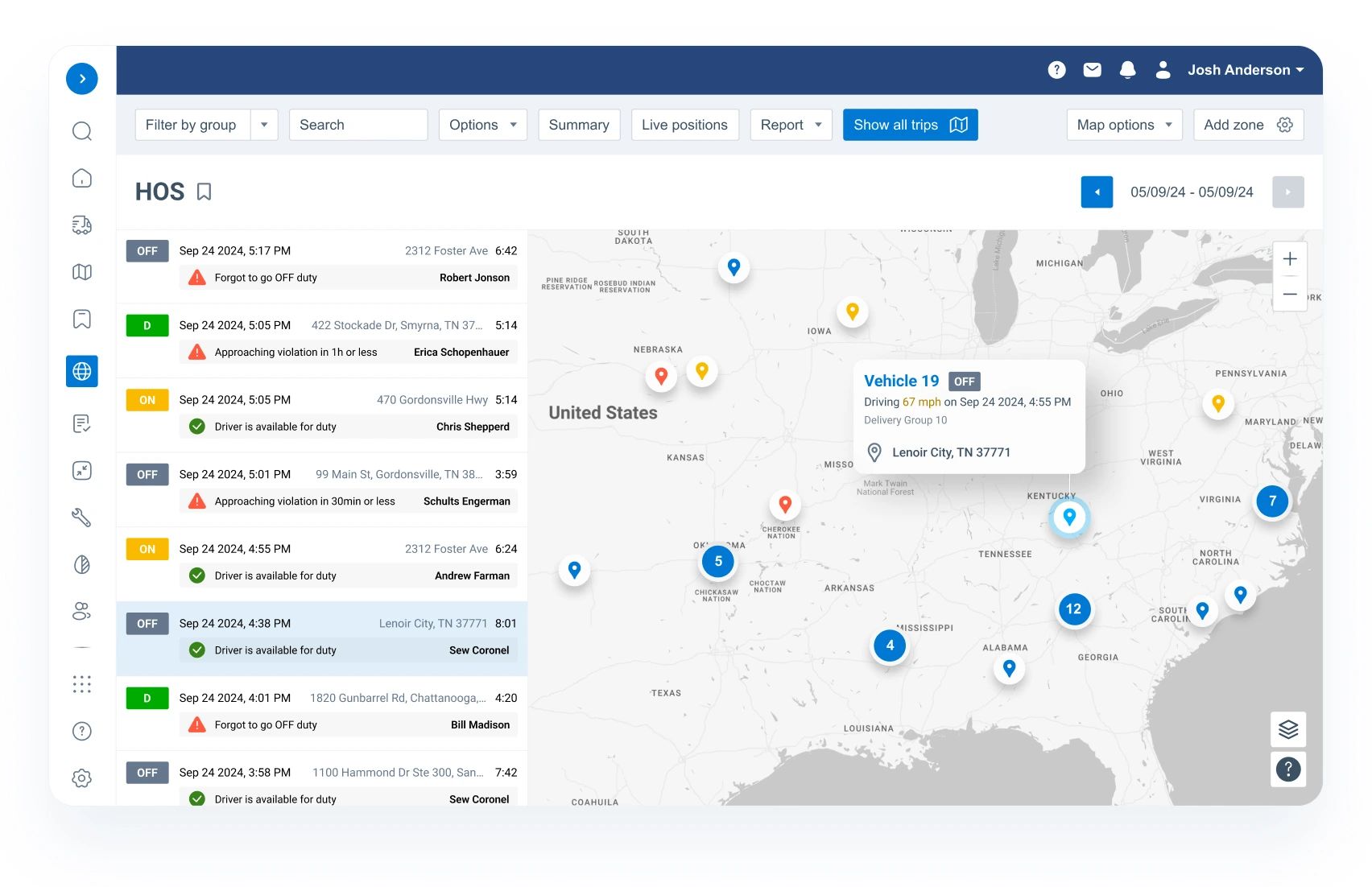
Real-Time HOS Visibility
Monitor driver hours instantly
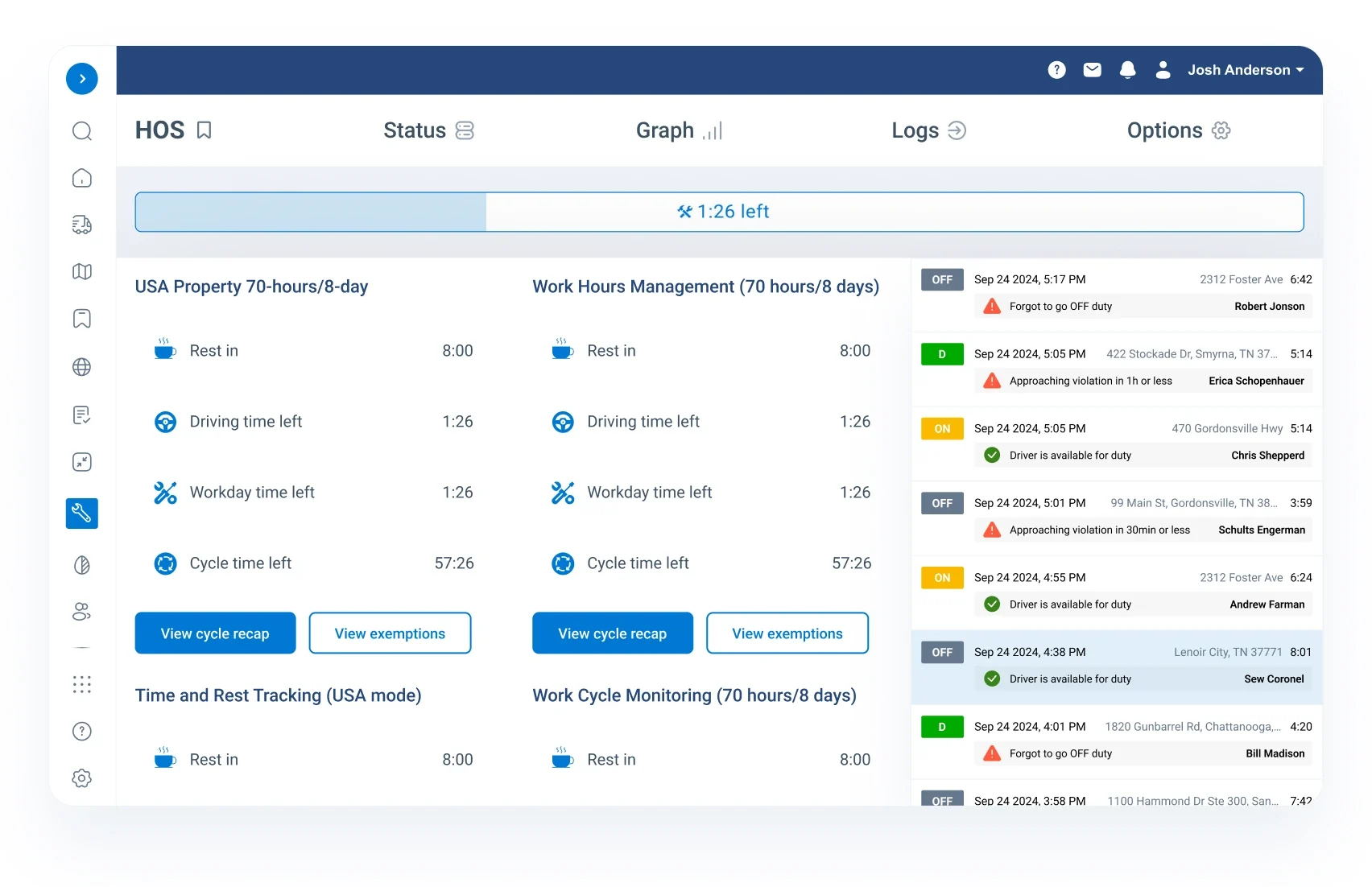
Real-time visibility is what separates good ELD compliance software from the rest. Keep a live view of your drivers’ Hours of Service with a centralized dashboard. Easily track current status, driving time, remaining hours, and required breaks, all in one place for faster decision-making.
Flexible ELD Integration and Customization
Unlock greater value from your ELD with Geotab’s open APIs and Software Development Kit, enabling seamless integration with a wide range of partner solutions.


Cross-Border Compliance
Seamless U.S.–Canada transitions
Cross-border fleets rely on ELD compliance software that adapts automatically to regional rulesets. Stay compliant when operating across U.S. and Canadian borders with intelligent, automated rule management. The system seamlessly switches between more than 100 HOS rulesets as drivers move between regions, covering intrastate operations, short-haul exemptions, extended 16-hour workdays, and more. Real-time alerts keep your team informed of every cross-border movement, helping reduce risk and improve operational efficiency.
Vehicle Inspection Tools
Streamlined DVIR compliance
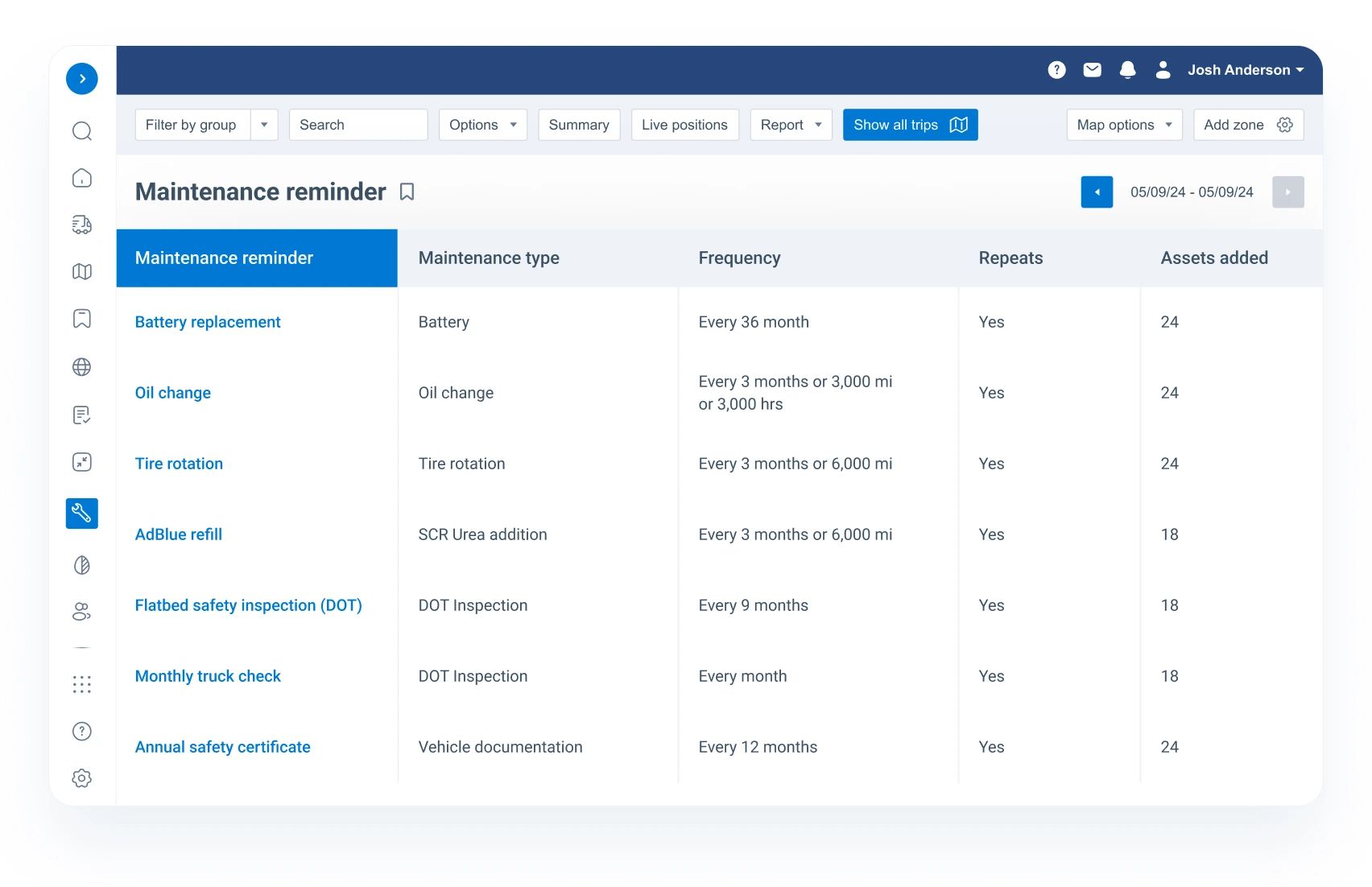
Improve fleet safety with mobile-enabled DVIR completion for both pre- and post-trip inspections. Customize inspection checklists to match specific vehicle types and regulatory requirements, ensuring consistent and compliant reporting. Receive real-time alerts when inspections are completed or when vehicle issues are identified, helping you address problems quickly and keep operations running smoothly.
Log Management System
Automated driver log tracking
Simplify compliance with automated log updates driven by vehicle activity, border crossings, and operational events. Drivers can easily review, edit, and annotate their logs through a mobile app, ensuring accuracy at all times. Built-in reminders prompt drivers to certify their logs and claim any unassigned driving, reducing administrative workload and keeping records audit-ready.
Proactive Compliance Alerts
Prevent violations before they happen
Proactive alerts are a key feature of effective ELD compliance software. Receive timely notifications when drivers are nearing or exceeding their HOS limits. Take action early to avoid violations, improve safety, and maintain seamless ELD compliance across your fleet.
Compliance Reporting Tools
Automated ELD data insights
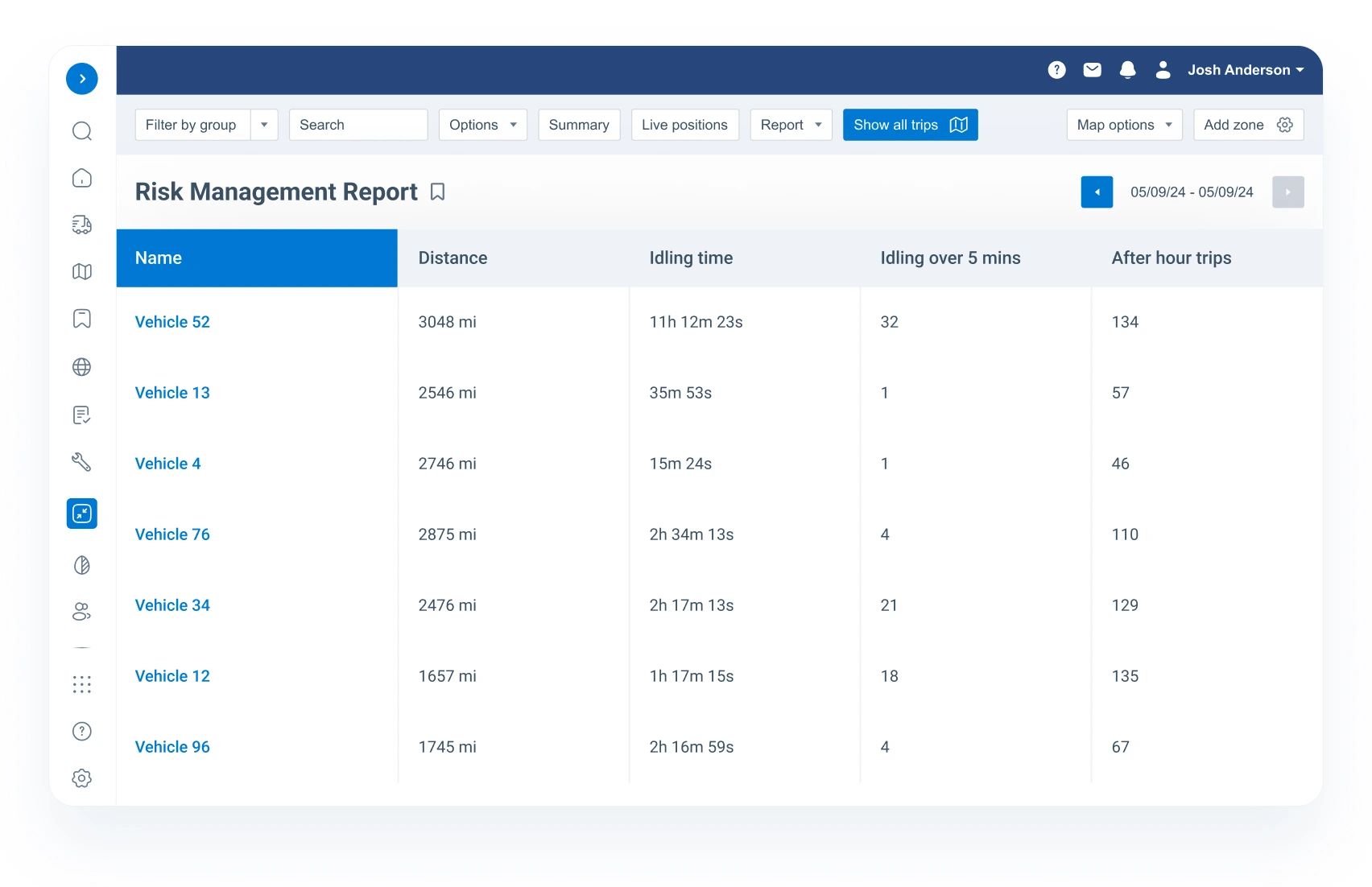
Built-in reporting is what makes this ELD compliance software audit-ready from day one. Generate accurate, ELD-compliant reports automatically, covering driver hours, rest periods, and work limits with ease. Maintain comprehensive audit trails that include driver activity and sleeper berth status for full visibility. Access all your data in one place to simplify compliance management and streamline audit processes.
Frequently asked questions
Staying compliant with Electronic Logging Device (ELD) regulations in Canada can feel overwhelming—especially with evolving rules, certification requirements, and cross-border considerations. Whether you’re a fleet manager, owner-operator, or safety compliance officer, you likely have questions about how ELD compliance software works and what’s required.
This FAQ guide is designed to give you clear, practical answers. From understanding the basics of ELD mandates to choosing compliant software and handling inspections, you’ll find everything you need to make informed decisions—without the confusion. If there’s something not covered below, our team is always ready to help.
What is an ELD and why is it required?
An Electronic Logging Device (ELD) is a system that automatically records a driver’s hours of service (HOS) by connecting to the vehicle’s engine. It is required to ensure accurate tracking of driving time and improve road safety by reducing driver fatigue.
Is ELD compliance mandatory in Canada?
Yes. Federally regulated commercial drivers must use certified ELDs to track their hours of service, with enforcement in place across provinces like Ontario since 2022–2023.
Who needs to use ELDs?
Most commercial motor vehicle drivers who are required to maintain records of duty status (RODS) must use ELDs, particularly those operating across provincial or territorial boundaries.
Are there any exemptions to ELD requirements?
Yes. Certain drivers may be exempt, such as those operating under specific short-haul conditions or using older vehicles (depending on regulations). However, most long-haul drivers must comply.
What are the benefits of using ELD compliance software?
ELD software improves compliance, reduces paperwork, minimizes human error, and helps prevent fatigue-related incidents—leading to safer operations and fewer violations.
What data does an ELD automatically record?
ELDs capture key data such as date, time, vehicle location, engine hours, distance traveled, and driver identification.
How often does an ELD record location data?
Location is recorded at least every 60 minutes while driving, as well as during key events like engine start/stop and duty status changes.
Can drivers edit their driving time in an ELD?
No. Driving time is automatically recorded and cannot be altered to ensure accuracy and prevent tampering.
Do ELDs track exact addresses?
No. ELDs provide approximate location data (e.g., nearest city or municipality), not precise street addresses, to balance compliance and privacy.
What makes an ELD compliant in Canada?
An ELD must meet Canadian technical standards and be certified by a Transport Canada–accredited third-party organization.
Can I use a smartphone or tablet as an ELD?
Yes, as long as the device and software meet Canadian ELD technical standards and are properly mounted and visible during operation.
Do U.S.-compliant ELDs work in Canada?
Not necessarily. Canadian regulations include additional requirements, so U.S. ELDs often need updates and certification to be compliant in Canada.
How many driver accounts can be created per driver?
Only one account per driver per motor carrier is allowed to maintain accurate records and prevent duplication.
What happens if a driver uses multiple vehicles?
The ELD system must consolidate and retain records so that a complete report can be produced for the current day and previous 14 days.
What should I look for in ELD compliance software?
Look for features like real-time tracking, automated HOS logging, compliance alerts, reporting tools, and certified hardware/software integration.
What happens during a roadside inspection?
Drivers must provide ELD records for the current day and the previous 14 days via display, printout, or electronic transfer.
What happens if you don’t have a compliant ELD?
Drivers may face penalties, including fines and being placed out of service until compliance is met.
How long must ELD records be kept?
Drivers and carriers must retain records for at least 14 days for inspection purposes, with additional retention requirements for carriers depending on regulations.
What should drivers do if an ELD malfunctions?
Drivers must report the issue within 24 hours, reconstruct logs manually, and continue using paper logs until the device is fixed.
How does ELD compliance improve safety?
By enforcing accurate tracking of driving hours, ELDs reduce fatigue, improve accountability, and contribute to fewer accidents on the road.
Want to Learn More?
Understanding ELD compliance doesn’t have to be complicated. With the right software, you can automate logging, stay compliant with Canadian regulations, and focus on running your fleet efficiently. If you’re evaluating solutions, the key is choosing a system that’s certified, easy to use, and built for the realities of your operation Have questions or need more information about Switching to ELD or our solutions? Our team is here to help! Reach out to us today to learn how we can assist with your fleet needs and ensure your fleet stays compliant and safe. Contact us now to get started!

Check Pricing
All of our GPS tracking solutions are customized for your business and tailored to your budget...

Return on Investment
At GPS Tracking Canada, we understand that every company benefits from GPS Tracking in different ways...

Request a Demo
Get a live one-on-one demonstration from GPS Tracking Canada. See for yourself how customized...
For more information, or to schedule a demo or an installation,
call us toll free at 1.877.477.0987